The couple sent their favourites and the album has 20 spreads. The question is no longer which photos, but how to lay out each spread: one big photo or three smaller ones? A white margin or full bleed?
A spread works when it shows one moment clearly, when its photos stay large enough to see what each one is about, and when faces stay away from the spine. The album works when the spreads alternate: full ones with quiet ones, in the order of the day. Here are 12 ideas, with spreads from real albums laid out in the app.
The 12 ideas at a glance
| Idea | Photos | Where it fits |
|---|---|---|
| 1. One photo across the whole spread | 1 | The most special one, usually once in the album |
| 2. One per page, with a white margin | 2 | Quiet moments, portraits |
| 3. Full bleed next to black and white | 2 | The couple, one moment seen twice |
| 4. Portraits facing landscapes | 4 | Getting ready |
| 5. A details spread | 5 to 8 | Dress, rings, decoration |
| 6. The same hour from two sides | 2 to 3 | Groom and bride getting ready |
| 7. A sequence | 3 to 5 | A kiss, a dance, a walk |
| 8. Opening and closing | 1 to 2 | First and last spread |
| 9. Text on the spread | 1 to 3 | Names, date, a line of verse |
| 10. Day after | 3 | One full bleed and two portraits |
| 11. Family and guests | 5 to 8 | The fullest spreads |
| 12. Children | 2 to 5 | Baptisms, and the children at a wedding |
1. One photo across the whole spread
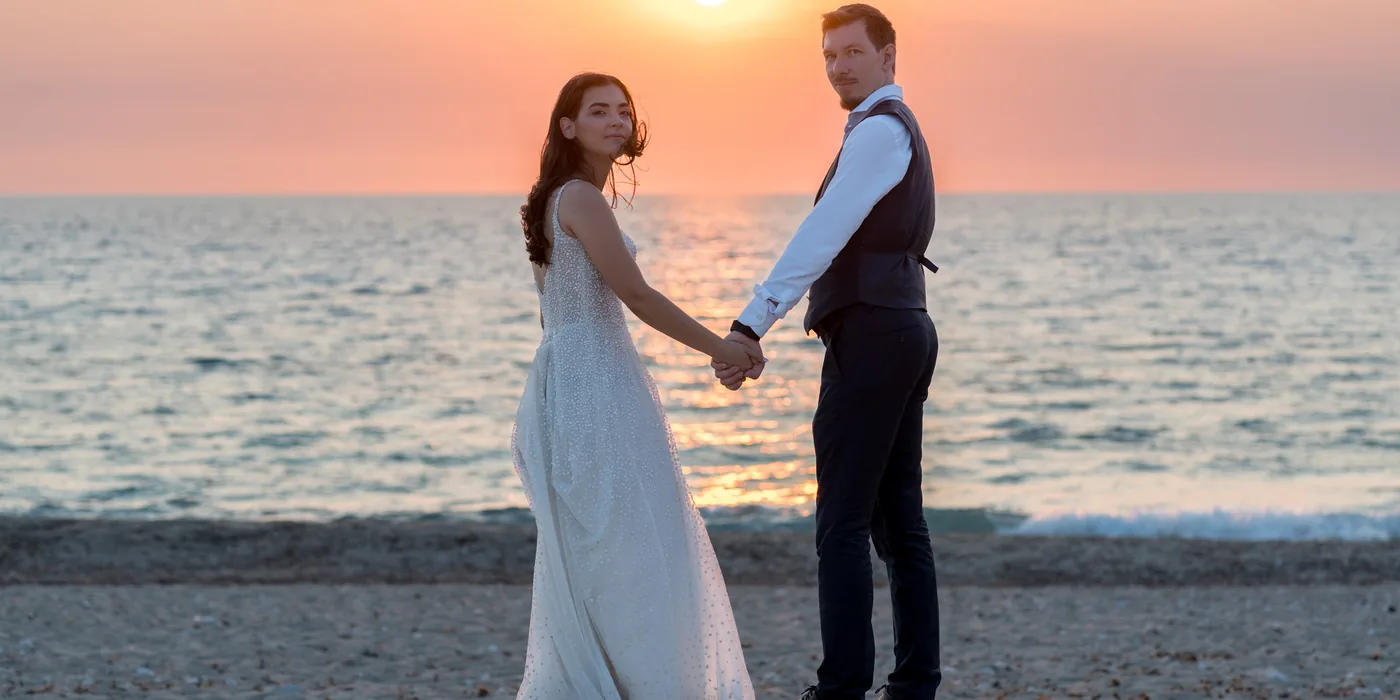
Usually once in the album, more rarely twice. It suits the most special photo: the couple at sunset, a moment from the day after session, the couple’s favourite. In lay-flat albums the photo runs across the middle; it helps to keep faces away from the spine, as here.
2. One per page, with a white margin
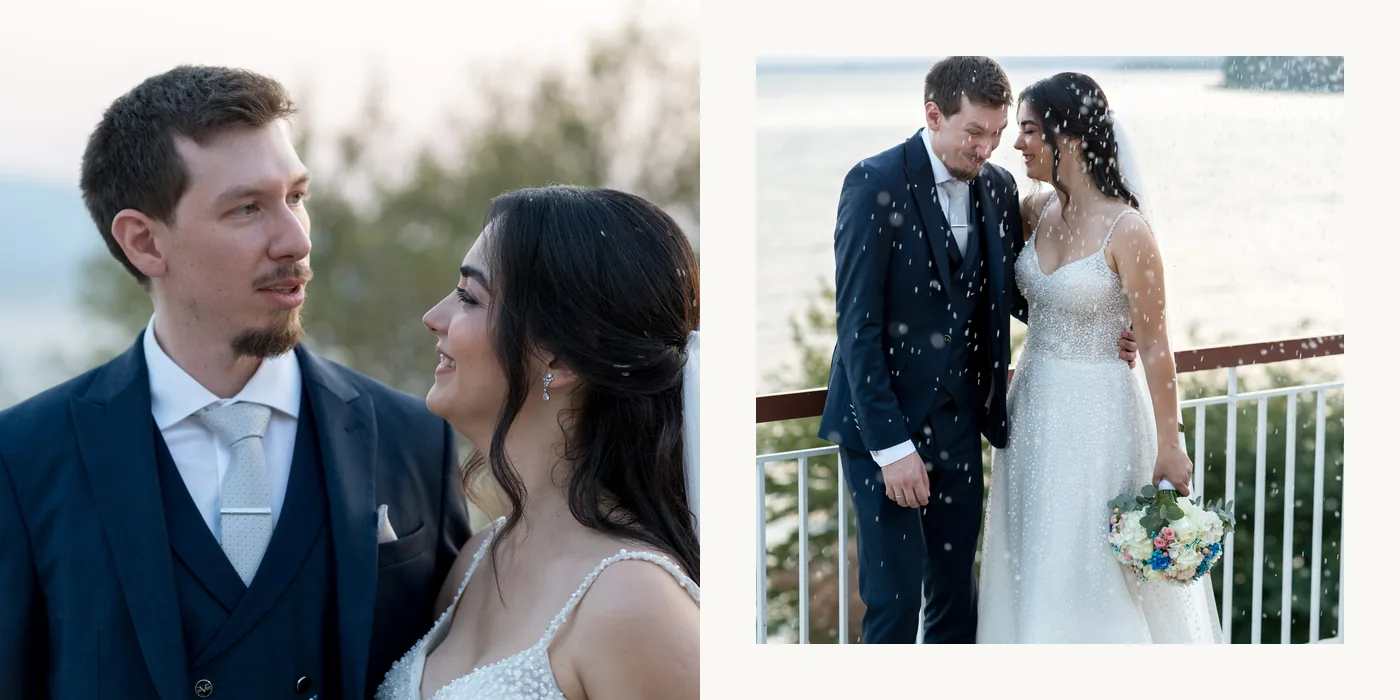
Two photos, one on each page. A white margin gives calm and a classic feel. One idea is to run one photo full bleed and give the other a margin, so the two pages don’t look the same.
3. Full bleed next to black and white
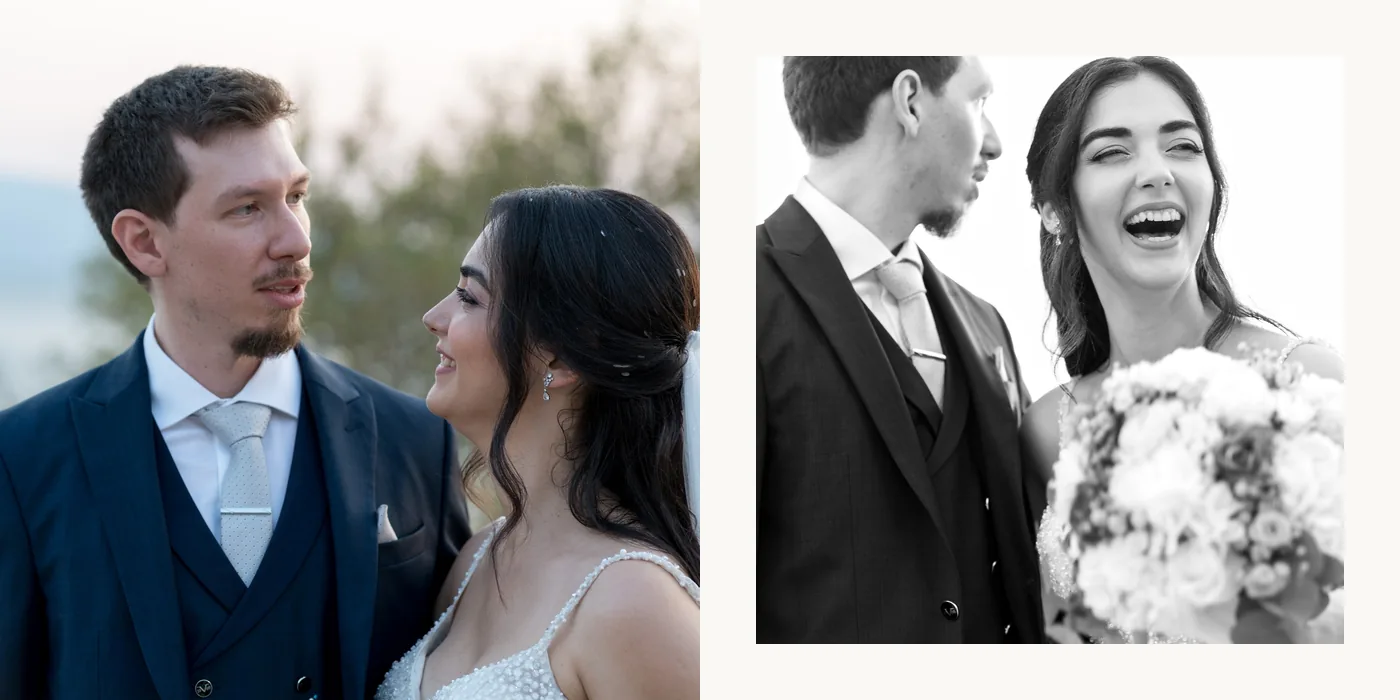
The same moment, two looks: one colour photo full bleed and one in black and white. The black and white can be made in the app too, without a new export: Space, then black and white.
4. Portraits facing landscapes
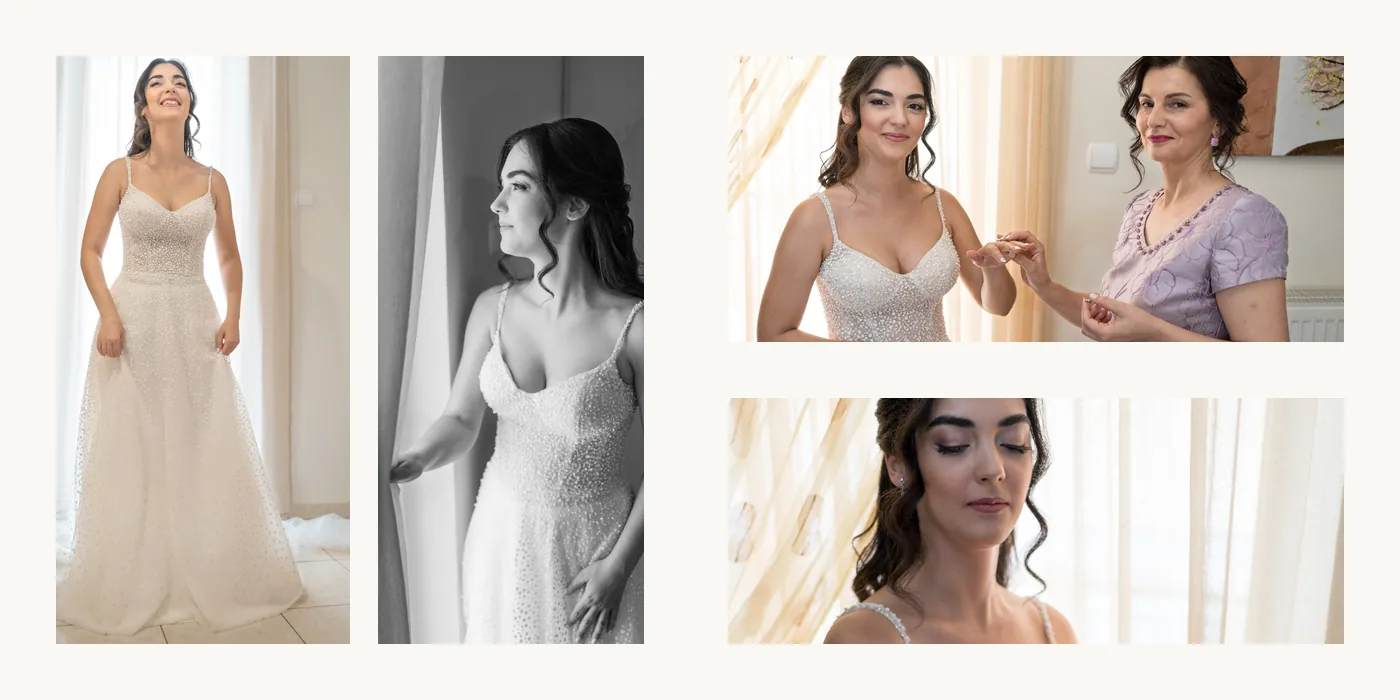
Two portrait photos on one page, two landscape ones on the other. The portraits fill their page without getting small, and the landscapes sit one under the other. It suits getting ready, where the photos are many and varied.
5. A details spread
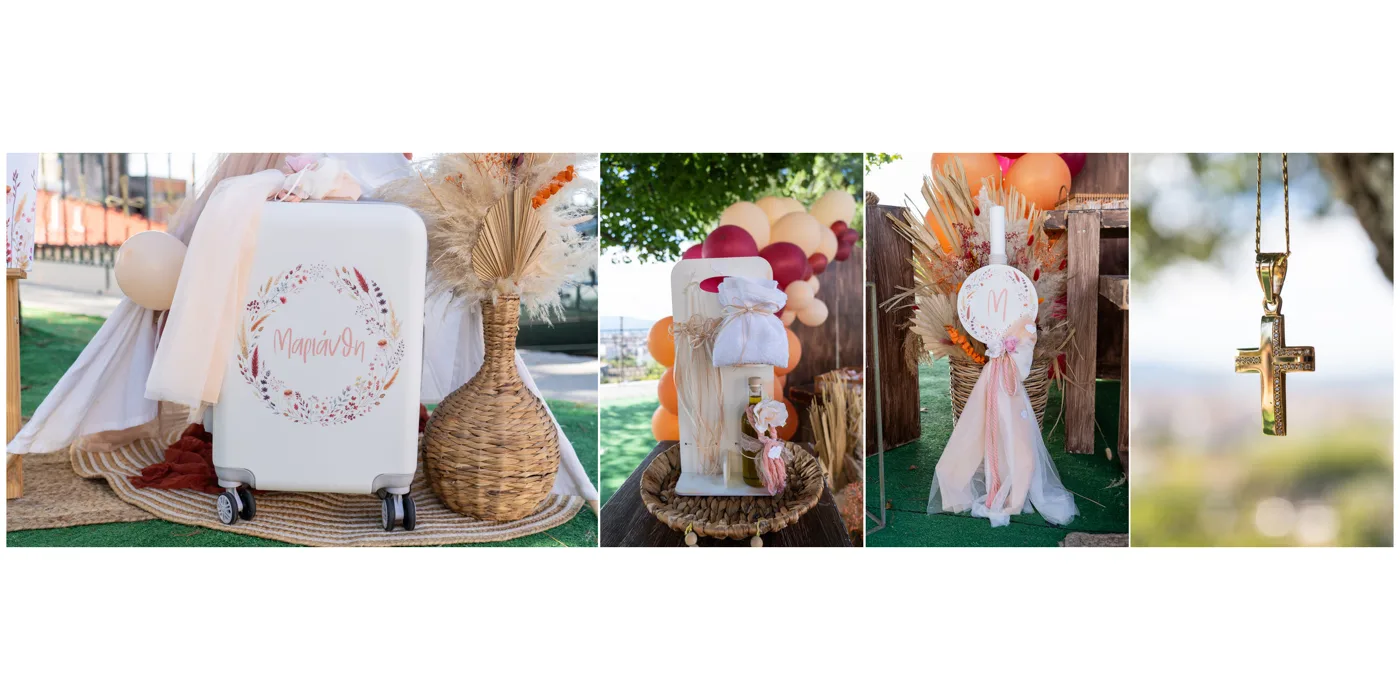
Dress, shoes, rings, bouquet, decoration. Here 5 to 8 photos fit, because details read well even when small. The more go in, the heavier the spread gets, so it helps if the next one is quieter.
6. The same hour from two sides
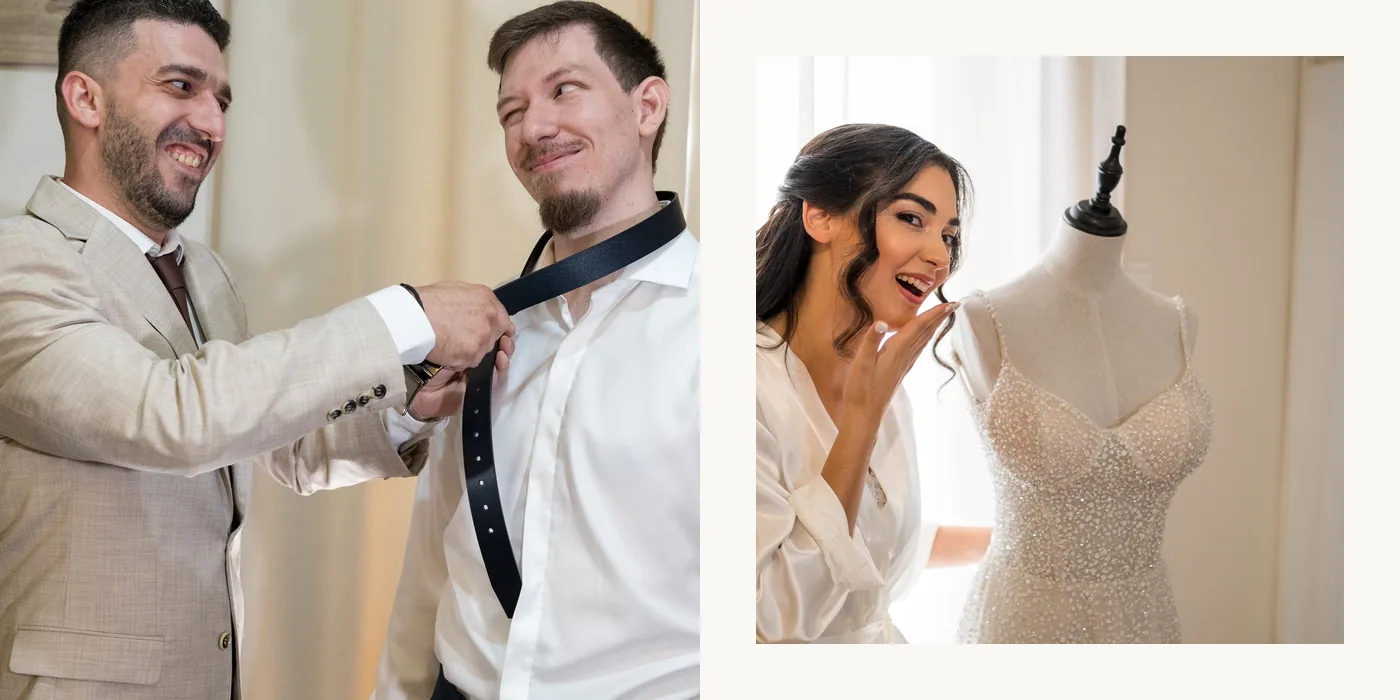
The groom on the left, the bride on the right, in the same minutes. The spread tells a small story on its own: two houses, the same day.
7. A sequence
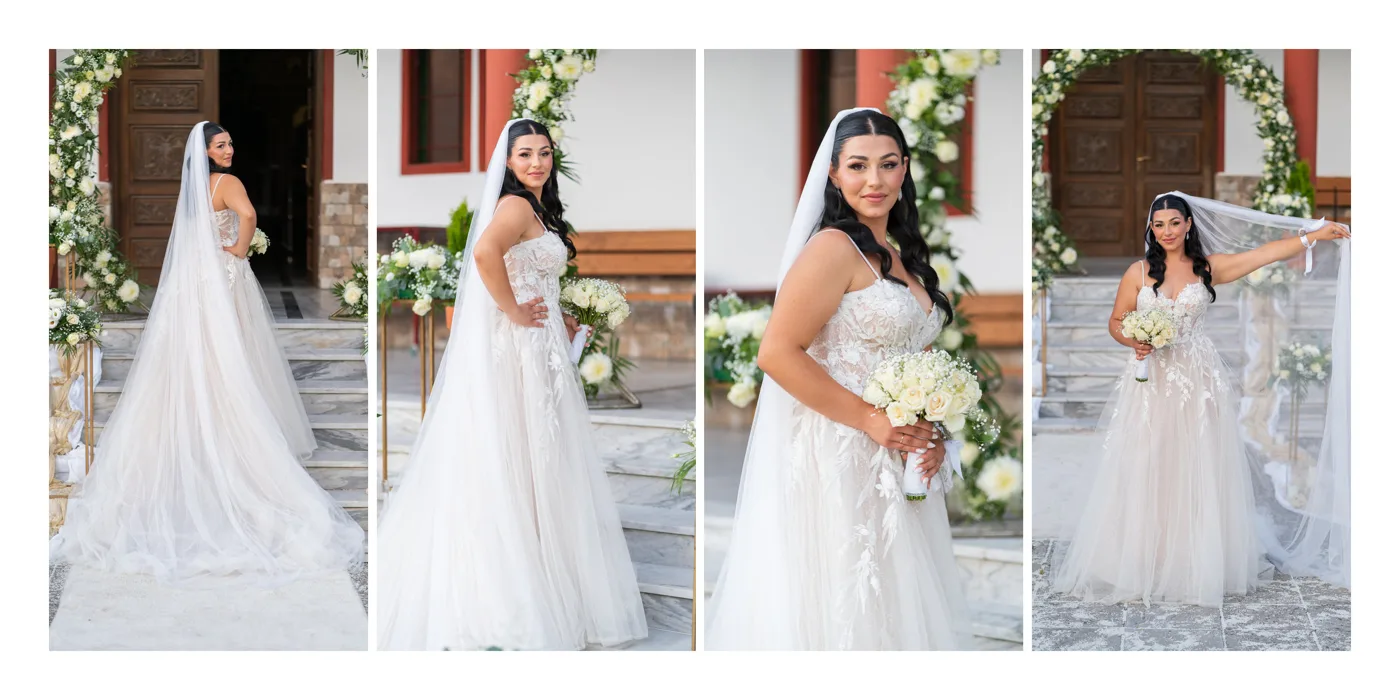
Three to five photos of the same moment, one after the other: a kiss, a turn in the dance, a walk. In strips, one of the ready designs in the app, the movement reads from left to right.
8. Opening and closing

The first and the last spread set the tone. One way is a quiet photo with the names and the date at the start, and one that closes the day at the end. If the lab starts the album with a single page, the first spread is laid out on one page.
9. Text on the spread

Some photographers let the photos speak alone, others add names, the date or a line of verse at the start and the end. In the app, text goes on the spread without breaking the layout.
10. Day after
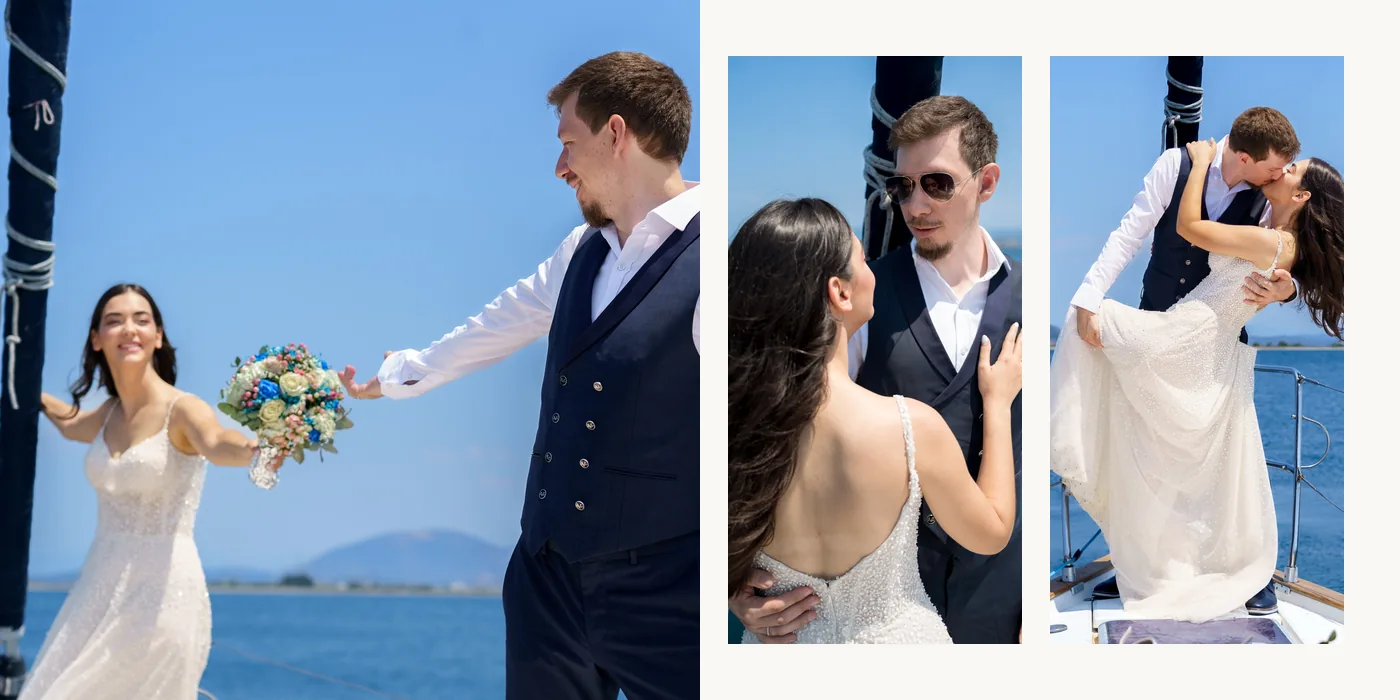
One full bleed photo and two portraits: three moments of the same scene. If the couple had a day after session, it deserves its own space at the end of the album.
11. Family and guests
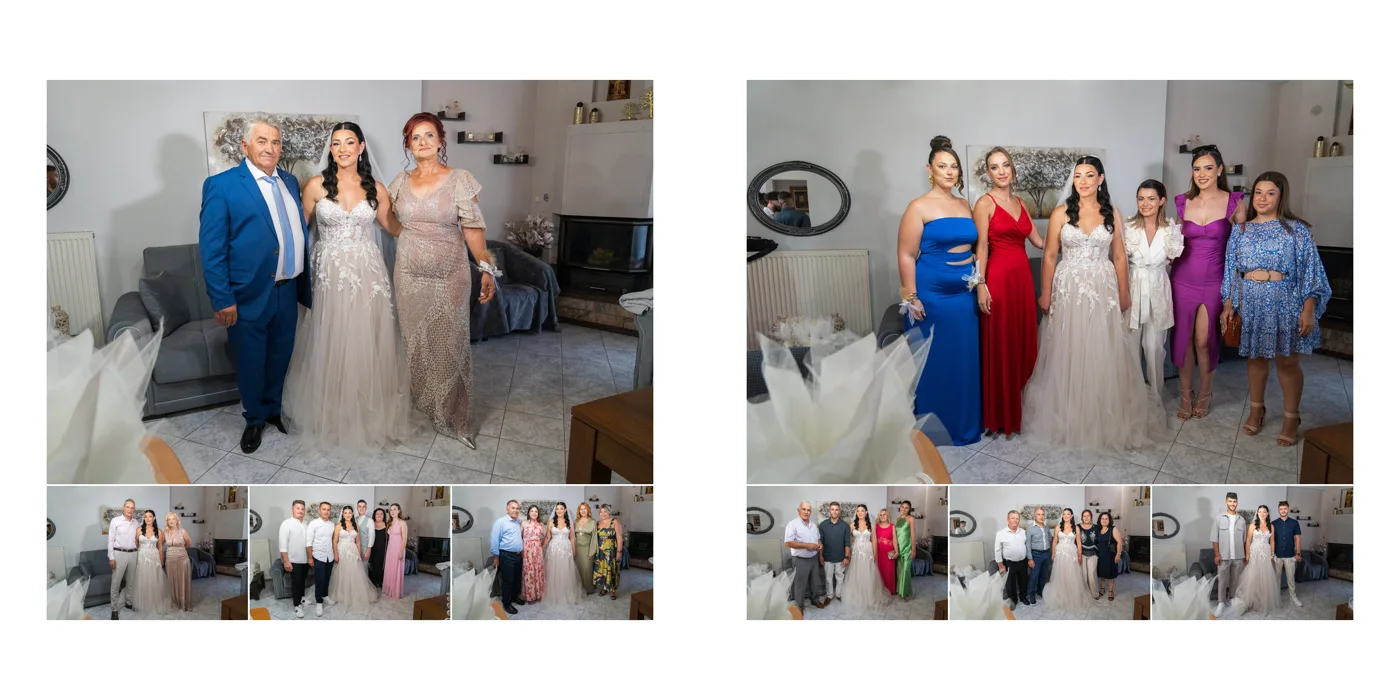
Family spreads can carry more photos. When the couple keeps many, one idea is to load these a little more and keep the ceremony and couple spreads open, as those are the ones they will open again and again.
12. Children
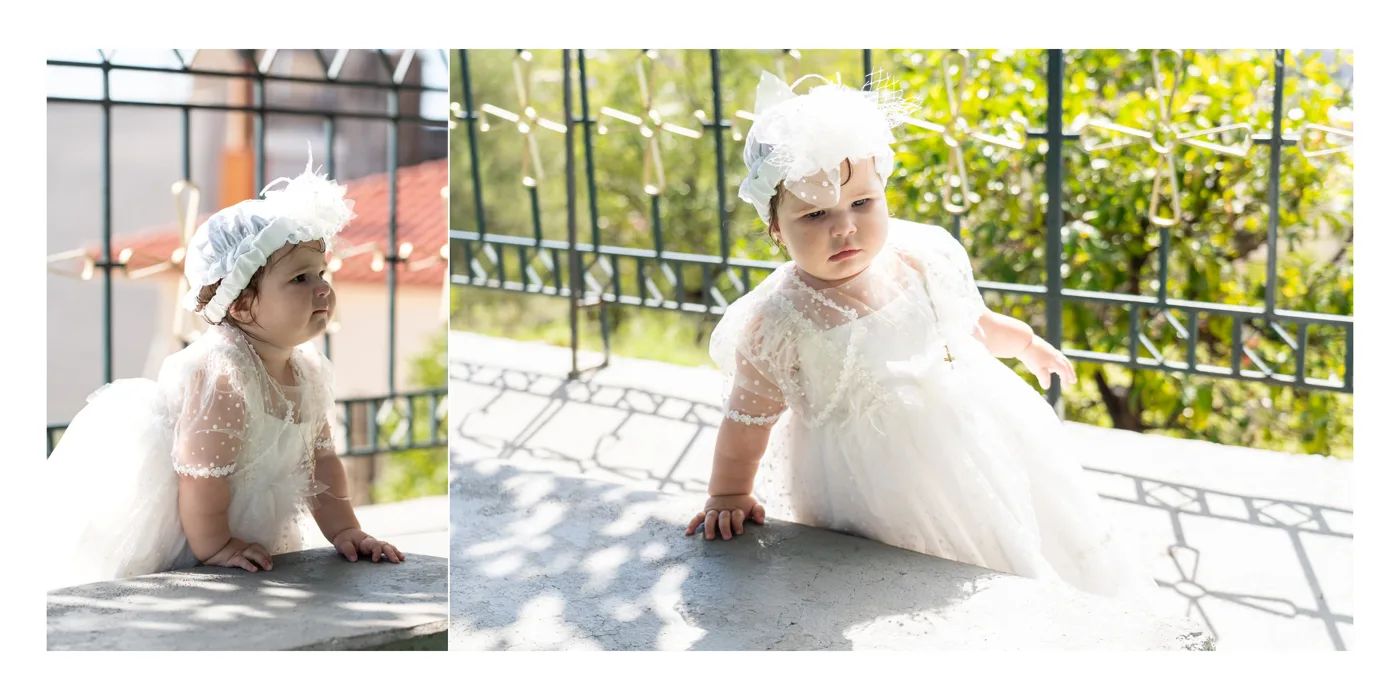
At a baptism the child is the face of the day; at a wedding, the guests’ children can have a spread of their own. Two to five photos, with one larger for a look or a laugh.
Baptism and christening albums
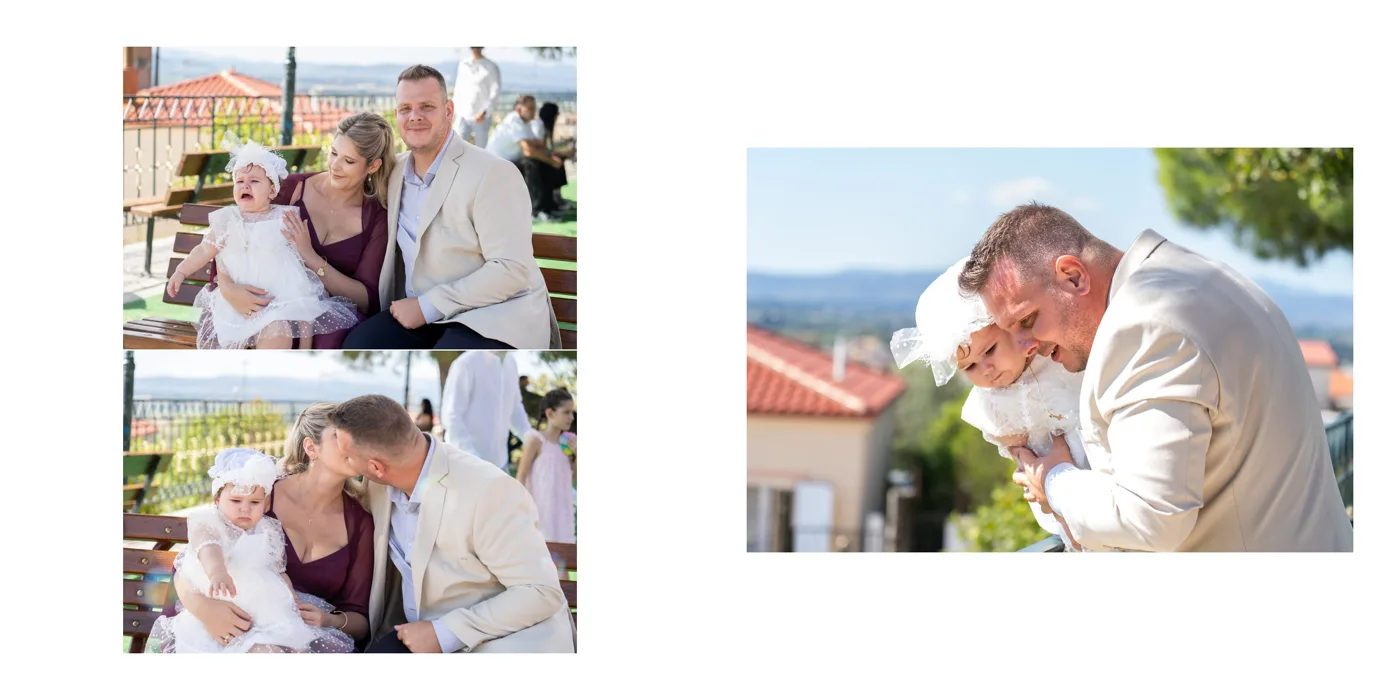
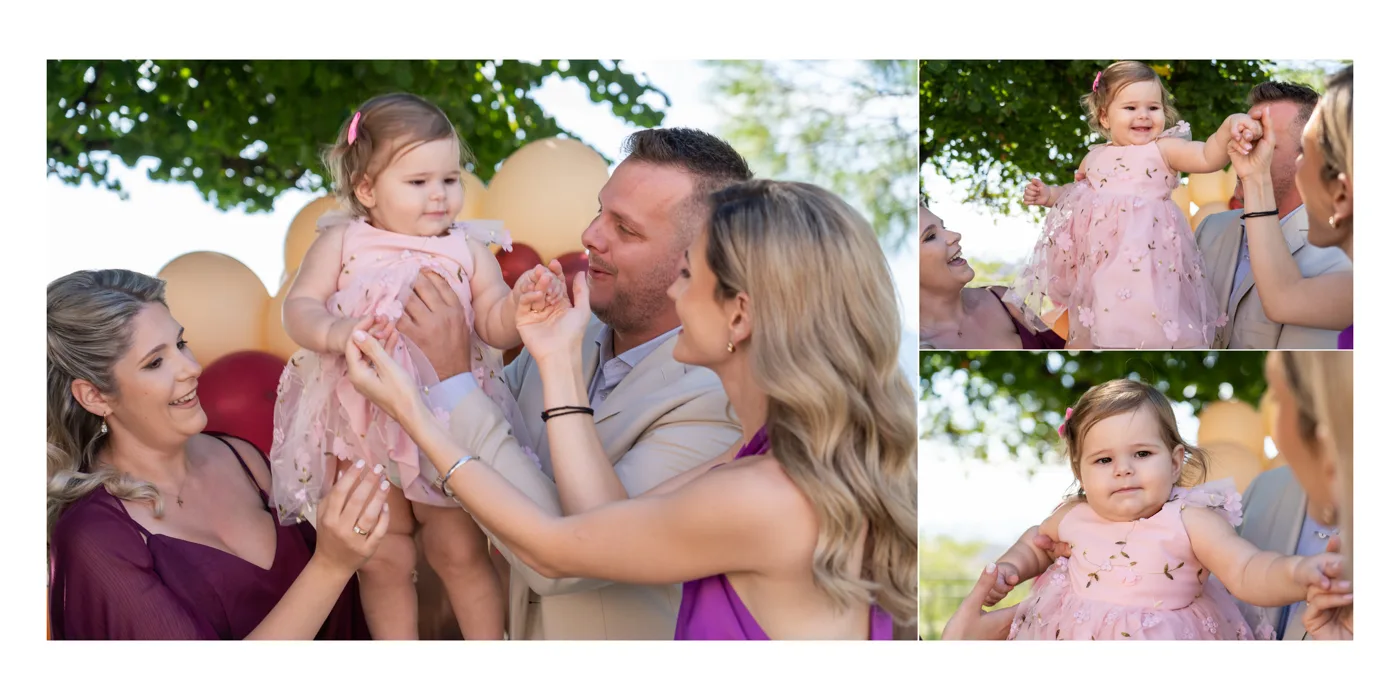
A baptism or christening album is laid out and holds exactly as a wedding album does: a 20-spread album holds 50 to 65 photos comfortably, with the same ideas. What changes are the moments: getting ready, the ceremony, the font, the family and the party, in the order the day went. And how many photos the parents choose to put in. Everything about baptism albums is in the guide Baptism and christening album design.
The rhythm of the album: an example with 20 spreads
An example, not a rule: how full and quiet spreads can alternate in a 20-spread wedding album with 65 photos. In every album, the spreads of each moment depend on the photos the couple chose. How many photos fit comfortably is in the guide How many photos in a wedding album.
| Spread | Moment | Photos |
|---|---|---|
| 1 | Opening, names | 2 |
| 2 | Groom getting ready | 3 |
| 3 | Bride getting ready | 3 |
| 4 | Details | 8 |
| 5 | The bride with her parents | 2 |
| 6 | Arrival at the church | 2 |
| 7 | Ceremony | 3 |
| 8 | Ceremony, crowns | 2 |
| 9 | Ceremony, details | 3 |
| 10 | Leaving the church | 3 |
| 11 | Family | 5 |
| 12 | Family and friends | 8 |
| 13 | Couple | 2 |
| 14 | Couple | 3 |
| 15 | Couple, sunset | 1 |
| 16 | Reception | 3 |
| 17 | First dance | 2 |
| 18 | Party | 5 |
| 19 | Day after | 3 |
| 20 | Closing | 2 |
What spoils a spread
- Faces on the spine: they get lost in the binding. In the app, the safe zone shows as a blue dashed line.
- Too many small photos: the more go in, the smaller each one gets; one or two extra spreads often work better.
- Enlarging more than the photo can take: it prints below the lab’s DPI. The app marks it with an orange “DPI” label.
- Photos that don’t match: a little light or a black and white version is often enough to bring the spread together.
How Digital Album Studio helps
Your client’s favourites from the gallery become an album in one click, and Auto-Build splits them into spreads in the order of the day. For each spread the app suggests up to 40 layouts that fit its portrait and landscape photos, and you switch between them with the [ and ] keys. There are ready designs (strips, panoramas, circles), you can mark as many layouts as you like with ♥, and you keep a spread of your own as a template.
Then your client pages through the album on their phone, comments and approves it, and the files go to your lab: gallery, favourites, album, approval, print. The steps one by one are in the guide How to design a wedding album, and more about the software on the page Album design software.
Would you like us to design the album? From your client’s favourites, under your studio’s name: from €5 a spread, and your first album is half price. Album design service
Next step: how your client approves the album online.
Would you like the next guides in your inbox?
New guides for photographers and news from Digital Album Studio, by email.