The parents chose their favourites from the baptism gallery, and now they have to become an album. What fits, in what order, what goes on the cover, and how will they see it before it is printed?
A baptism or christening album is designed like a wedding album: from the photos the parents chose, in the order the day went, spread by spread. It holds the same photos as a wedding album with the same spreads, and the parents approve it on their phone before it goes to the lab. What changes are the moments of the day and how many photos they choose to put in.
At a glance
- It holds as many photos as a wedding album with the same spreads: a 20-spread album, 50 to 65 comfortably.
- It follows the day: getting ready, the church, the font, the chrismation, the family, the party.
- The cover can carry the child’s name and the date.
- The parents page through it on their phone, comment and approve it, with no app.
How many photos in a baptism album
As many as in a wedding album with the same spreads. A 20-spread album (40 pages) holds 50 to 65 photos comfortably, so each one stays large enough and the spreads don’t get crowded. The table for every number of spreads is in the guide How many photos in a wedding album, and it applies to baptisms just the same.
A baptism gallery usually holds 300 to 500 photos, so the parents choose from fewer than at a wedding. If they choose more than fit comfortably, one way is to design the album with the extra spreads it needs, as a proposal, and let them decide when they see it.
How many pages and what size
A page is one side, a sheet is one leaf of the book with a front and a back page, and a spread is what you see with the album open: the left and the right page together. So 20 spreads are 40 pages.
The spreads are the ones agreed with the photographer, as for a wedding. The most common sizes are the square 12×12 in (30×30 cm) and 8×8 in (20×20 cm), and there are landscape and portrait sizes too, such as 12×16 in (30×40 cm). The size doesn’t change how many photos fit; it changes the layout.
The order of the day
A baptism album usually follows the order of the day, as it went. An order that suits many baptisms:
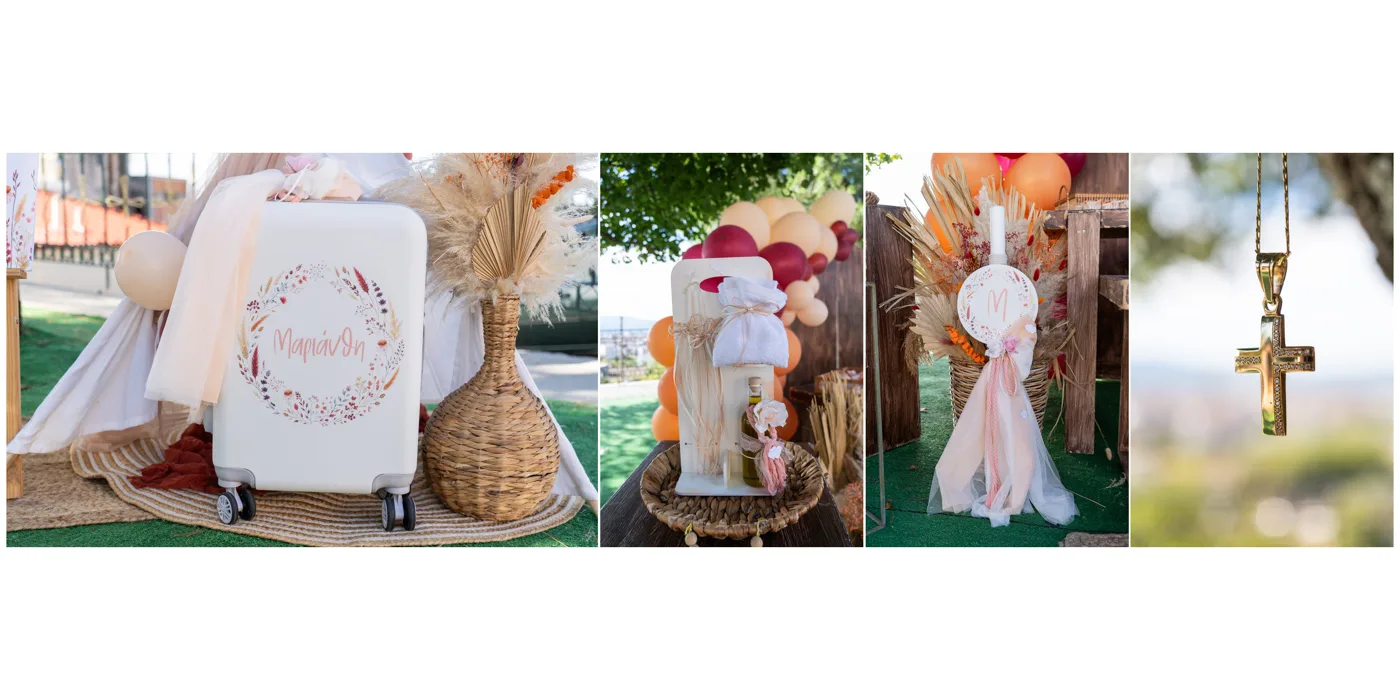
- 1. Getting ready and the details: the clothes, the candle, the suitcase, the cross, the decoration.
- 2. Arriving at the church, with the parents and the godparent.
- 3. The ceremony.
- 4. The font and the chrismation.
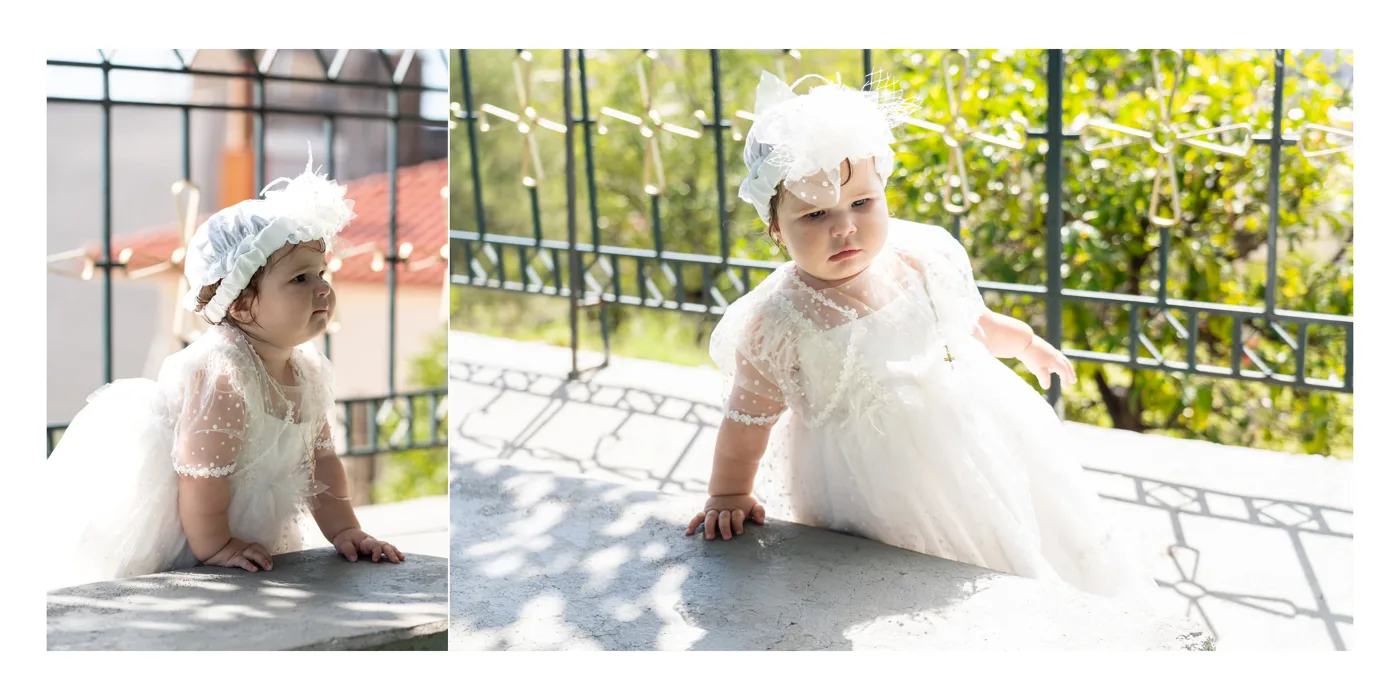
- 5. Dressing in the new clothes.
- 6. The godparent with the child.
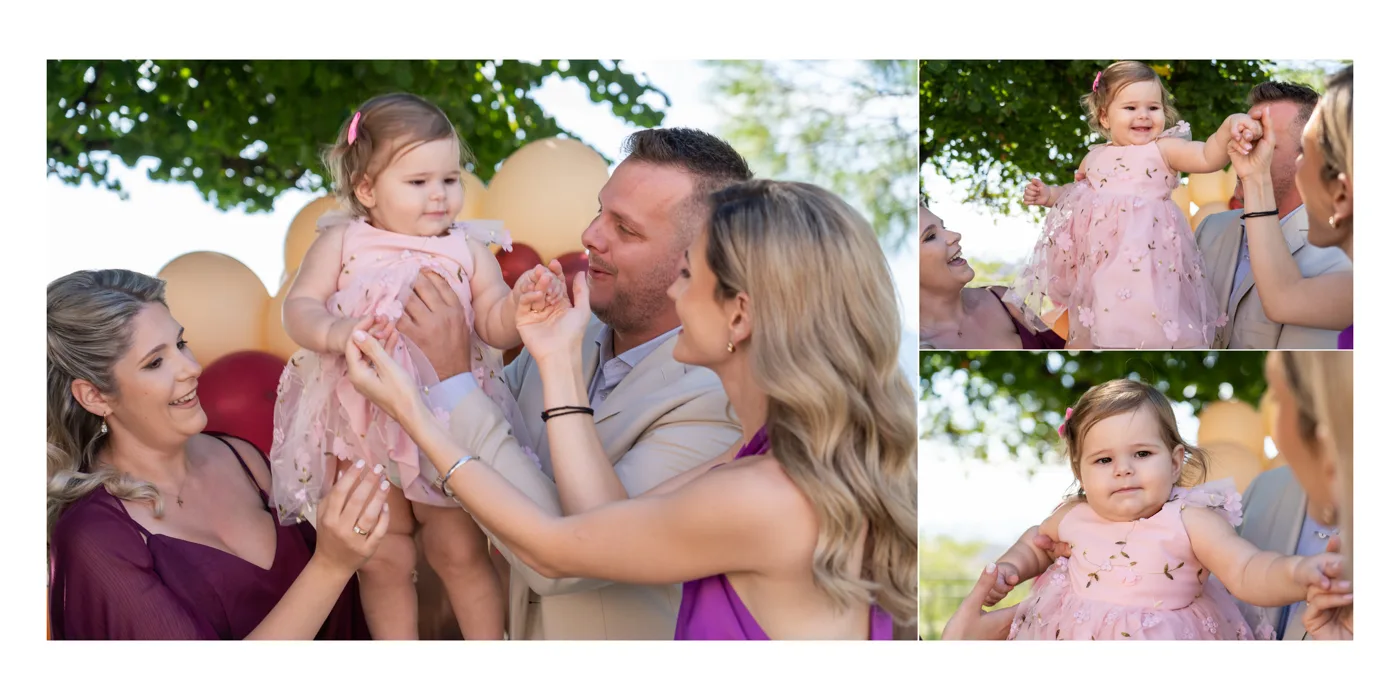
- 7. The family and the guests.
- 8. The party and the cake.
The spreads of each moment depend on the photos the parents chose for it. One moment can take two spreads, while two moments with few photos each can share one spread.
Greek Orthodox baptism albums
In a Greek Orthodox baptism the order includes the font, the chrismation and the dressing in the new clothes, with the godparent. The album follows the same order, so the family sees the service as it happened.
Cover and title
The cover carries whatever the parents decide. A few ideas:
- The child’s name and the date, in gold foil, for a quiet, classic cover.
- A photo on the cover, if the album has that kind of cover; the parents mark it in the gallery.
- The name on the spine too, so it is easy to find on the shelf.
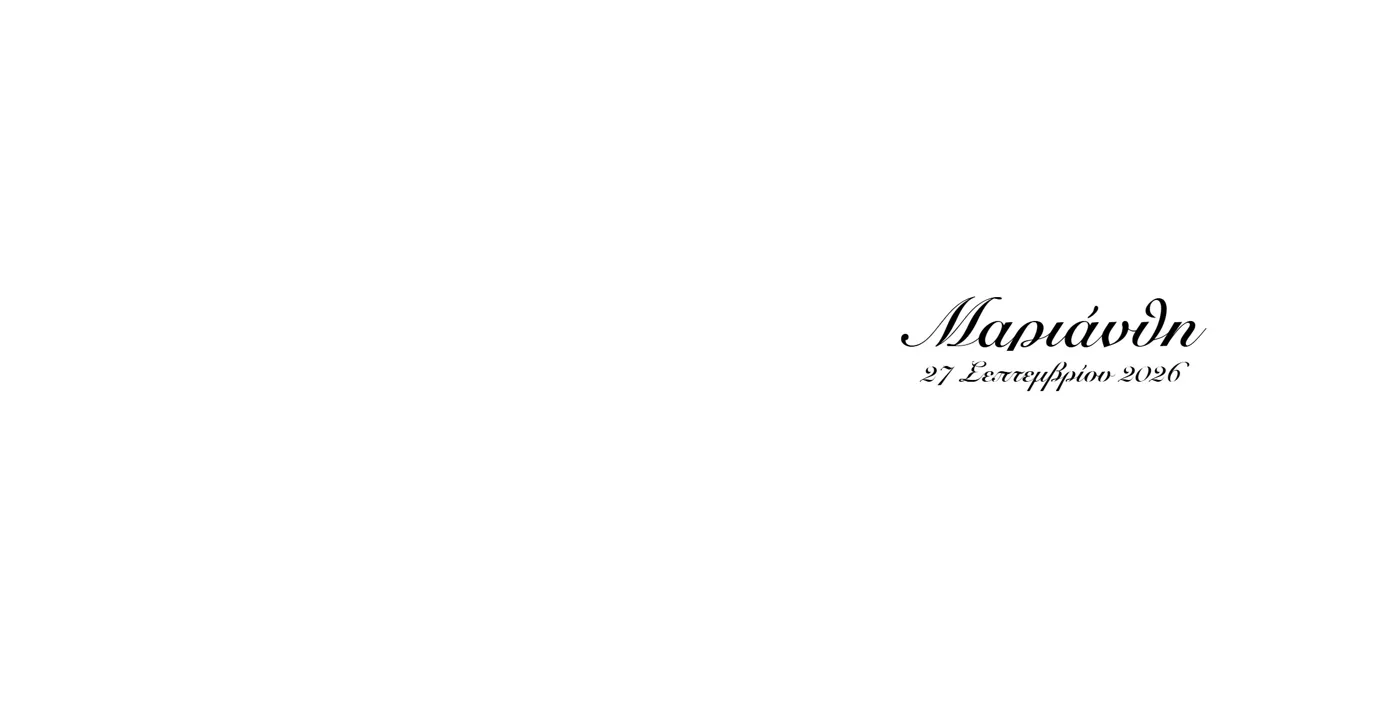
- The first page with the name and the date, as in the example below.
Spread examples
Some spreads from a real baptism album, laid out in the app.
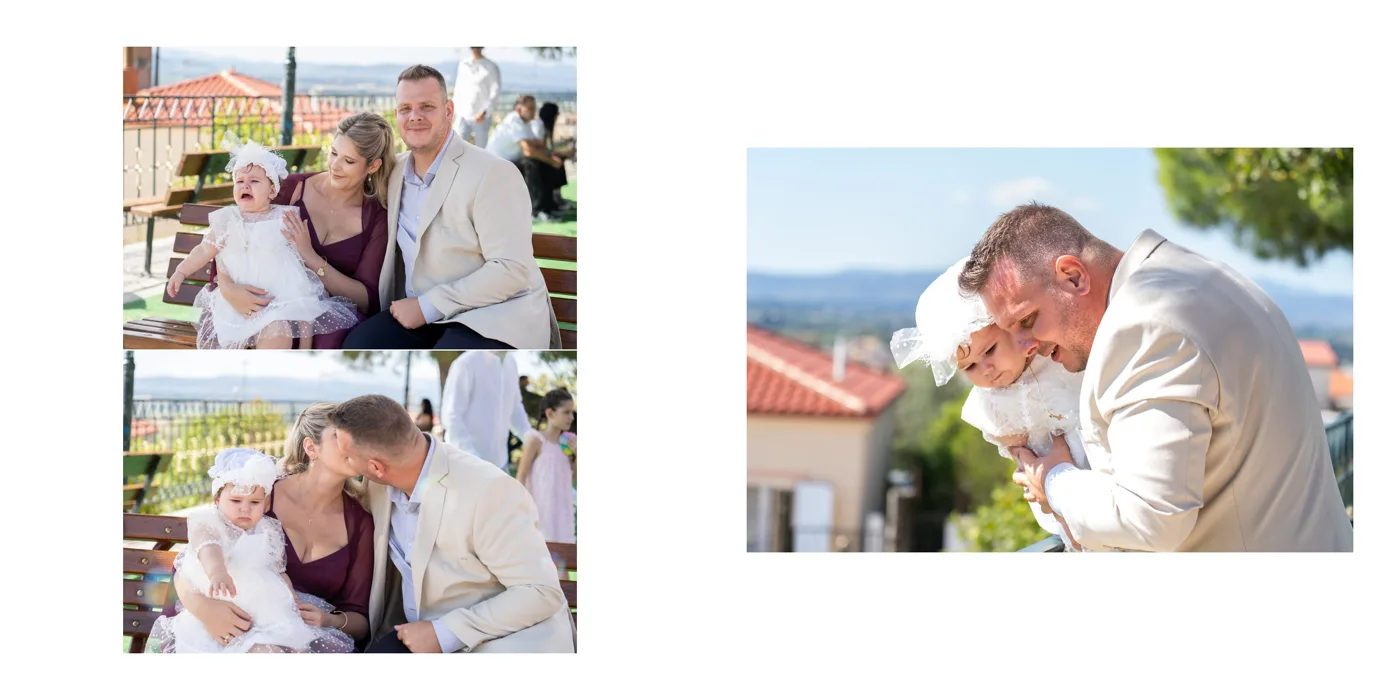
More spread ideas, for weddings and baptisms, in the guide Wedding album layout ideas: 12 spread examples.
How the parents choose from the gallery
- The number, before they choose. It helps if they know beforehand how many photos fit comfortably in their album.
- Hearts in the gallery. They come in with their name and email, with no account, and tap the heart on the photos they want. If both parents choose, or the grandparents too, each one makes their own list.
- Notes on the photo. If they want black and white, a crop or a photo on the cover, they write it on the photo, and it shows while the album is designed.
How the gallery is set up and sent to the parents is in the guide How to deliver photos with an online gallery.
How the parents approve it on their phone
With a link, the parents page through the album like a book on a phone, tablet or computer. If they want a change, they write a comment on the photo, and when they are ready they tap “Approve”. They need no app and no account.
It helps if both parents look at it together: one set of comments comes back instead of two. After the changes a new version goes up and the link stays the same. More on the page Online album proofing.
Files for the lab
Before the export, a check is worth it: spreads within the lab’s limits, no empty spread, no photo missing or printing below the lab’s DPI. The files come out at 300 DPI, with an order sheet for the lab.
If albums for the godparents or the grandparents are wanted too, an exact copy in a smaller size, for example an 8×8 of the 12×12, keeps the same spreads and photos.
How Digital Album Studio helps
- The baptism gallery goes to the parents, and their favourites become an album in one click, with the full-resolution files.
- Auto-Build splits them into spreads in the order of the day; each spread has up to 40 layouts, with the [ and ] keys.
- The cover is built on the lab’s template, with a gold foil zone for the name and the date.
- With Cloud Proofing the parents approve on their phone, and Copy to another size makes the godparents’ and grandparents’ albums with the same spreads.
- The workflow: gallery, favourites, album, approval, print. The steps one by one are in the guide How to design a wedding album.
No time to design? We design the album for you, baptism albums too, under your studio’s name: from €5 a spread, and your first album is half price. Album design service
Next step: album layout ideas.
Would you like the next guides in your inbox?
New guides for photographers and news from Digital Album Studio, by email.